

Engines, alternators, transmissions and components.

MIA AI™Your virtual assistant
NEUROSPARK™ OS · GLOBAL CONNECTION
Tell us what you need.
BUSCA™ researches, coordinates
and supports you through to a solution.
One request. A team by your side, wherever you are.
We research
We coordinate
We connect
We support you
Describe your request and complete the next step.Go to the form
Illustrative category images; availability subject to confirmation.
IN 3 STEPS
A COMPLETE SOLUTION
HOW WE SUPPORT YOU1
Tell us what you need
Product, vehicle and location.
2
We research and coordinate
Our team reviews your request.
3
Make an informed decision
Compare options and terms.
Web requests 24/7Fitment reviewClear quotes
www.busca-app.com
BUSCA. THAT’S WHAT BUSCA IS FOR.
Start with what you need
A radar for your auto parts.
Request new or used parts from your country and city. We check availability and delivery options with each supplier.
Sensors, modules, starters and lighting.
Doors, mirrors, lights and exterior parts.
Seats, controls, panels and more.
IN YOUR OWN WORDS
Looking for car parts?
Tell us what car parts you need. These questions help you prepare a clearer request.
QUICK GUIDANCEPrepare my request
Where can I find parts for my car?
Start your car parts request with BUSCA by sharing the part, make, model, year and city. If you have a part number or a photo, share it on WhatsApp to help guide the inquiry.
I need a used engine. What details should I send?
Share the make, model, year, engine size and engine code if available. Your VIN may help guide the search. Before deciding, ask for confirmation of condition, documented mileage, warranty and delivery for the quoted option.
I need a gearbox for my car. Is that a transmission?
In this context, gearbox usually means the transmission. Tell us whether it is automatic, manual or CVT, along with your vehicle and drivetrain if known. A code or photo of the label helps the supplier check the configuration.
How do I know whether a part fits my car?
The VIN, part number and photos can help guide the review. Confirm fitment with the supplier for your vehicle and configuration. If you are unsure, also check with your repair shop before buying.
How do I request an auto parts quote?
Complete the form and wait for the receipt reference. You can continue on WhatsApp if you wish. Price, availability, condition and delivery are confirmed with the supplier.
Can I ask about used parts from a junkyard near me?
For used parts from a junkyard or salvage yard, tell us what you need and your country and city. Availability, part location and delivery are confirmed for each inquiry.
AUTO PARTS GUIDES
Prepare your request before you search.
Guides to describe your part, review fitment and ask the supplier for clear terms.

Engines
Details to gather and questions to ask about a used engine before deciding.
Read the guide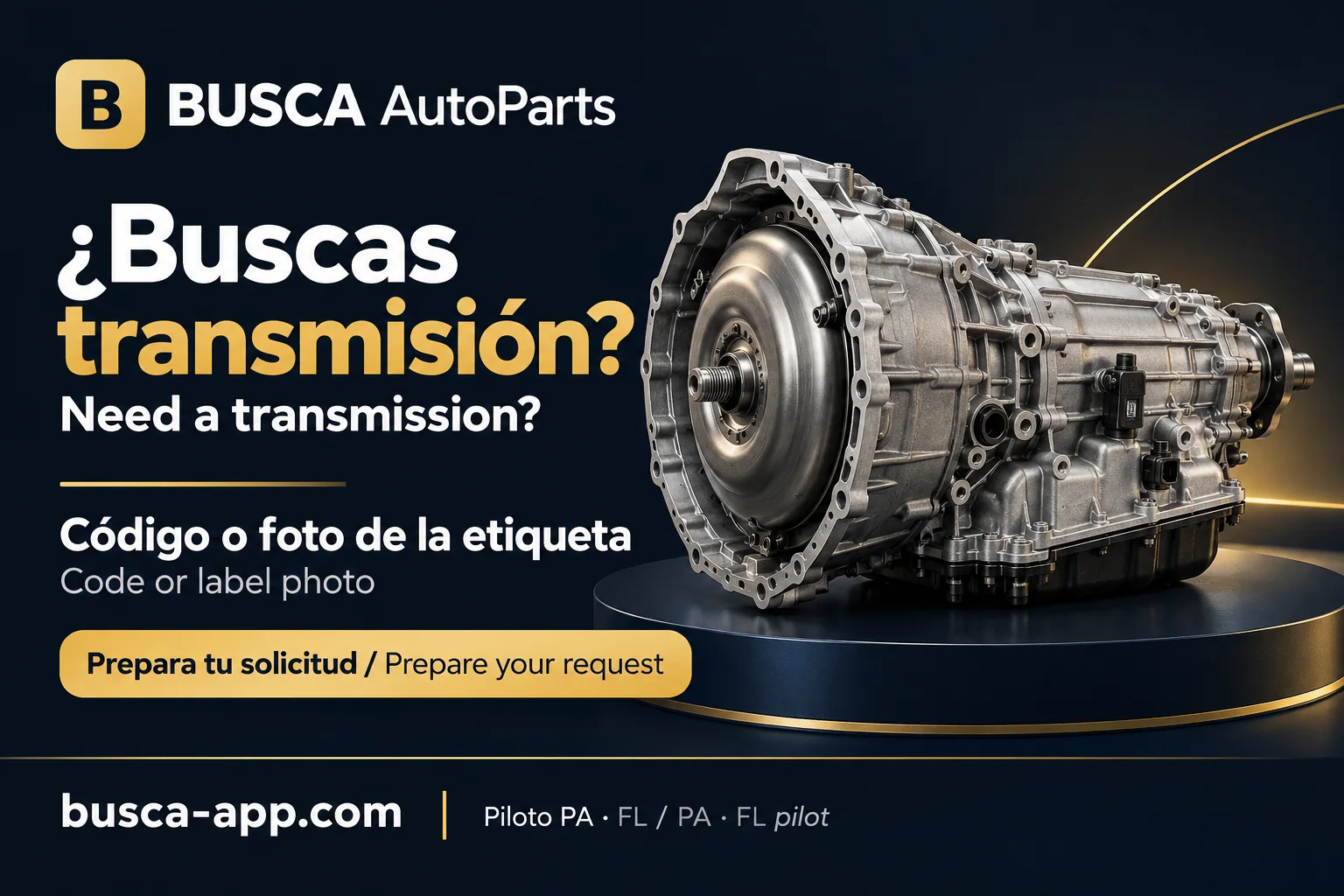
Transmissions
How to describe your gearbox and review the scope of a proposal.
Read the guide
VIN and fitment
Use a VIN, reference and photos to guide the review of a part.
Read the guide
Request a quote
Prepare your request, review the message and compare the terms you receive.
Read the guideEducational illustrations. Confirm availability and terms for each part with the supplier.
Connecting both sides
Your request meets its network.
BUSCA organizes requests and helps suppliers respond with useful information for each customer.
Looking for a part?
Send the vehicle and part details. We help guide your search and gather options you can compare.
Create a request →Have inventory?
Share your business, location, available parts and delivery options. BUSCA will contact you to coordinate relevant requests.
Register supplier interest →A complete message saves time
Tell us what part you need.
Enter the part, your phone and email. Add vehicle and location details. A reference appears when receipt is confirmed.
For salvage yards, shops and distributors
Want to connect your inventory?
Share your initial details to start a conversation about connecting your inventory.
To start a search, complete the request form.
Go to part request →
BUSCA, ALWAYS WITHIN REACH
Your next search, one tap away.
Add BUSCA to your phone’s home screen and come straight back whenever you need a part.
Direct access to busca-app.com. Requests require an internet connection.
See how to add BUSCA to my phone
iPhone / iPad
- Open busca-app.com in Safari.
- Tap Share, then select Add to Home Screen.
- Turn on Open as Web App if shown, then tap Add.
Android
- Open busca-app.com in Chrome.
- Open the ⋮ menu and choose Install app or Add to Home screen.
- Confirm to add the BUSCA icon.
If you opened this link inside WhatsApp or Facebook, open it in Safari or Chrome first. Options may vary by browser.
BUSCA · GLOBAL CONNECTION
One request. A more focused search.
Information, coordination and support to find the part that keeps your vehicle moving.